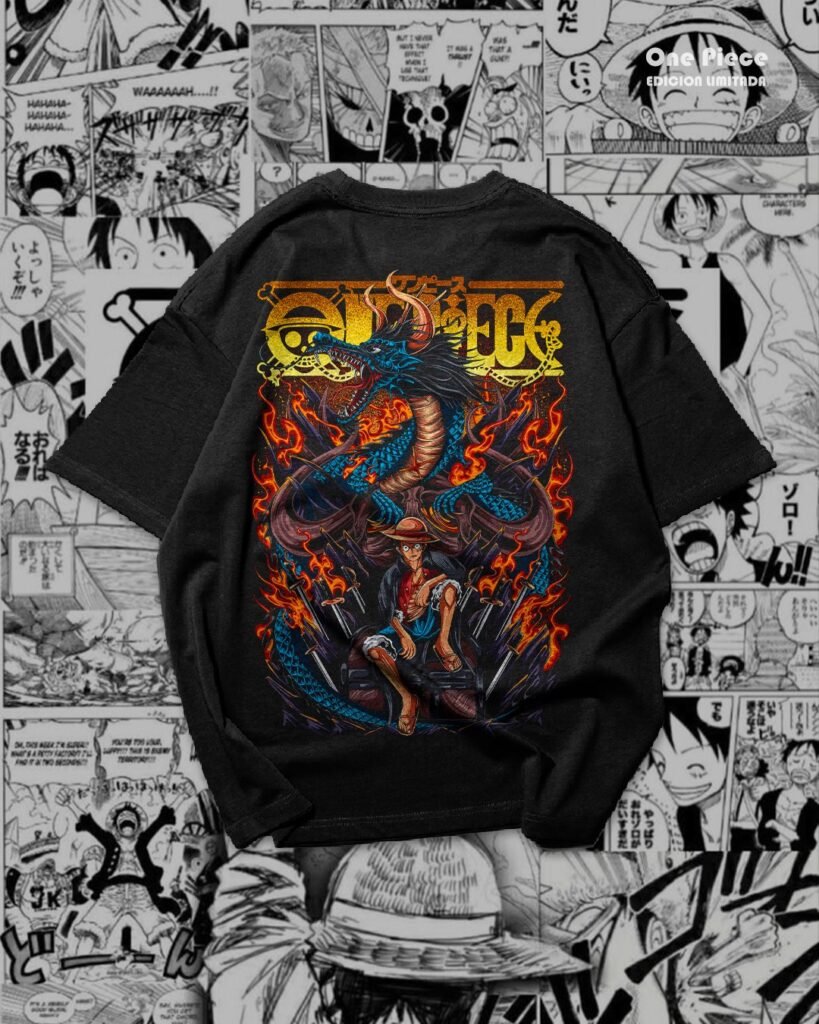
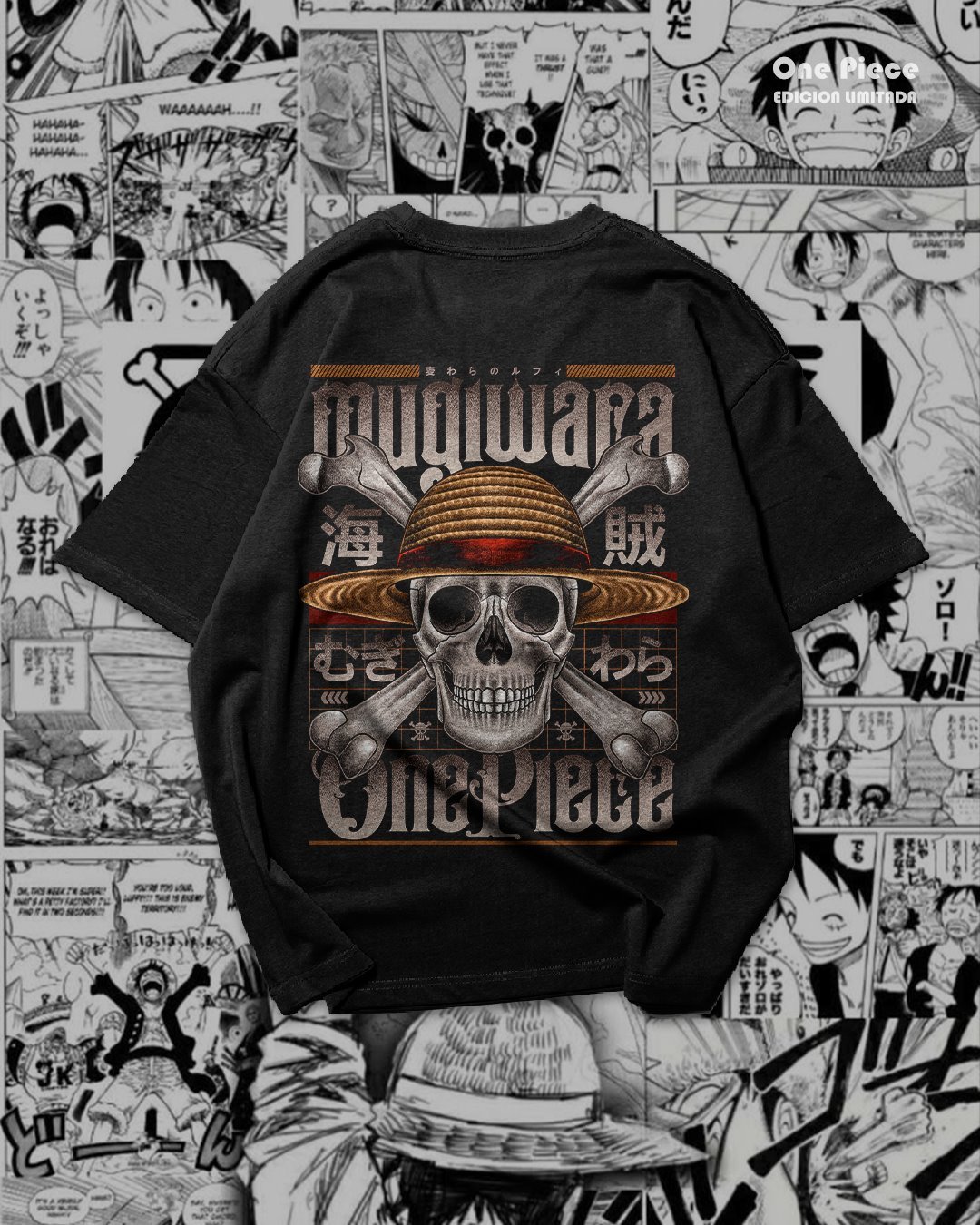
Bold anime artwork can give a plain black tee a completely different character. This free One Piece PNG pack for DTF includes 13 image files, with colorful compositions, character artwork and straw hat skull graphics to explore for your next printing project.
Browse the shirt previews below, compare the layouts and use the preparation checklist before printing. The complete MediaFire download is available at the end of this article.
What is included in the One Piece PNG download?
- 13 PNG files inside a folder named PNG para DTF.
- One 346.49 MB RAR archive hosted on MediaFire.
- Anime compositions with different color palettes and vertical layouts.
This page displays eight distinct preview images. They are visual references rather than a file-by-file inventory of all 13 PNGs. A design may appear both on its own and on a shirt mockup. For printing, use the original PNG artwork from the archive instead of saving a photograph of a shirt.
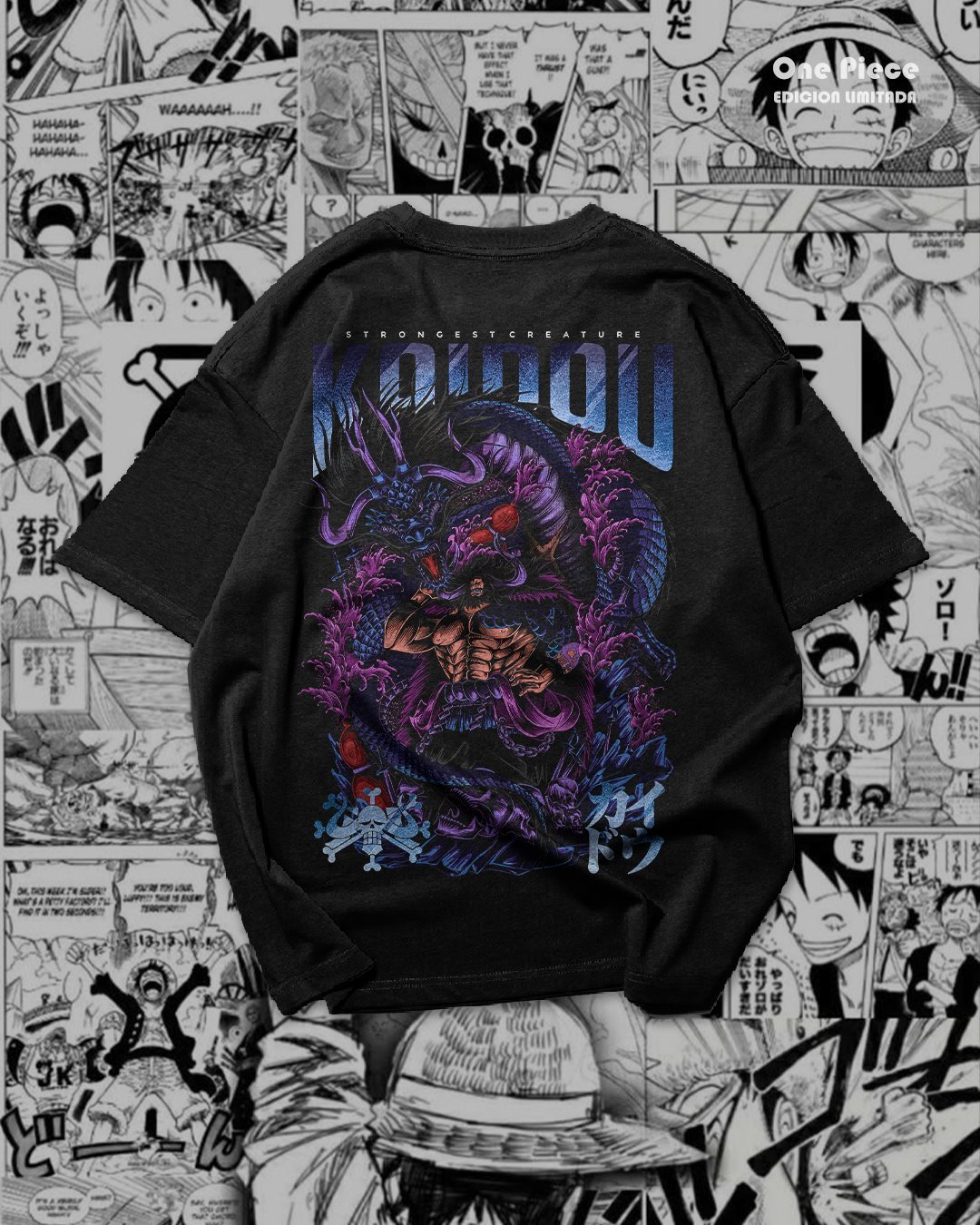
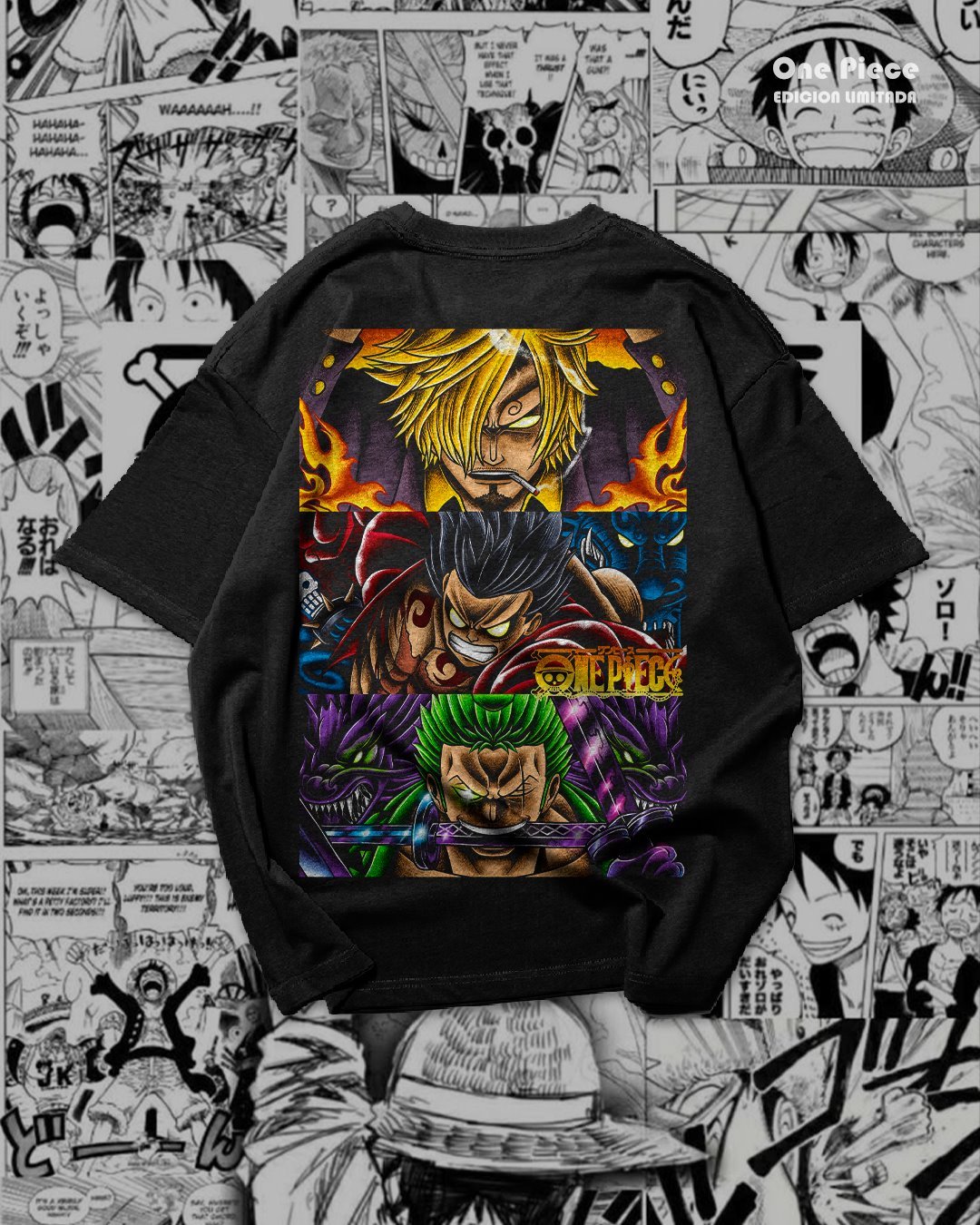
One Piece T-shirt mockups: compare the colors
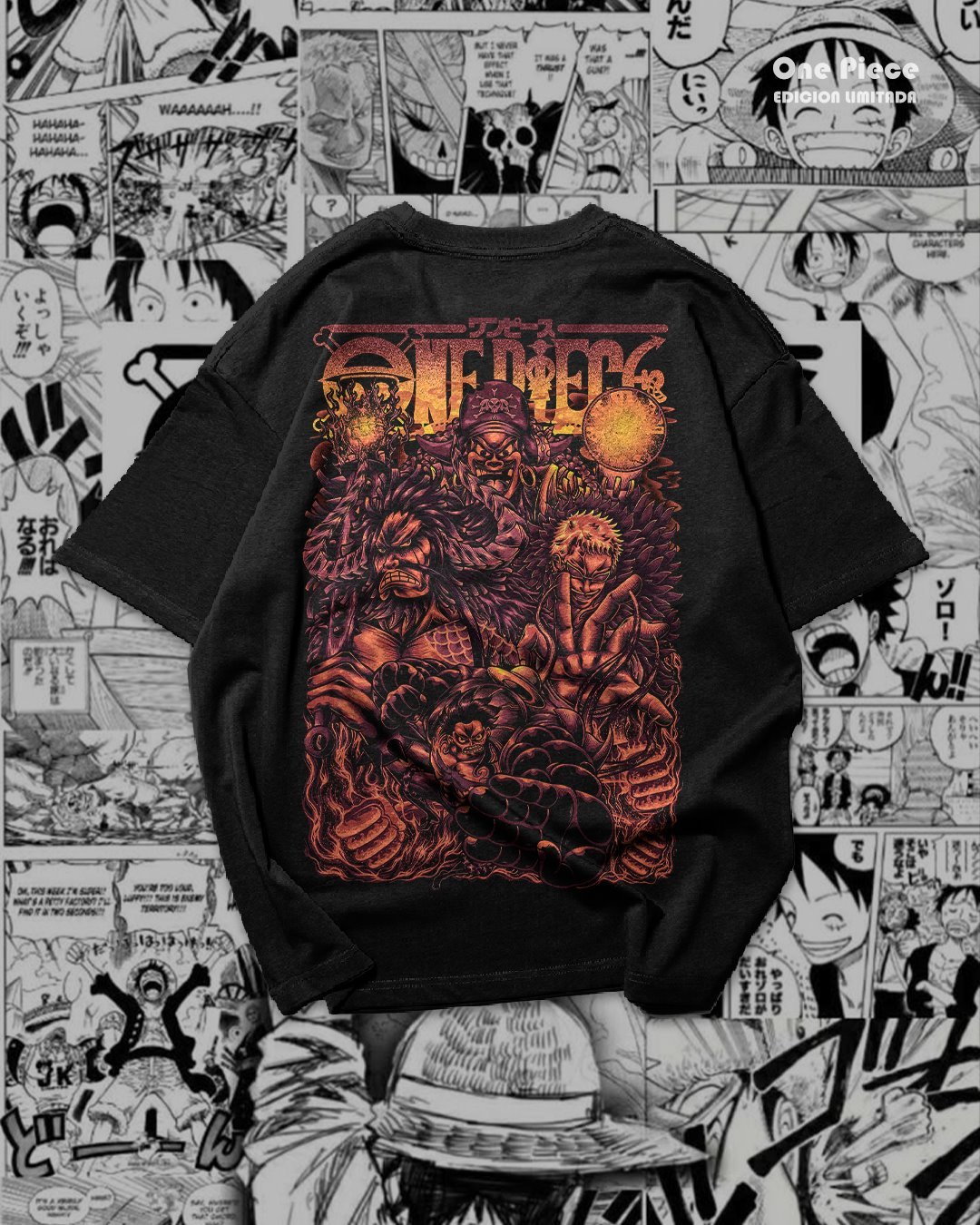
Red and orange create a warm, high-contrast look against black fabric. Green, purple and blue offer different moods while keeping the same shirt base. Look beyond the palette: compare the edge of each composition, the lettering and the space between the artwork and the sleeves.
A tall layout can work as a large statement graphic, but its proportions still need to suit the actual garment. Use the mockups to explore placement, then measure the shirt you intend to print.
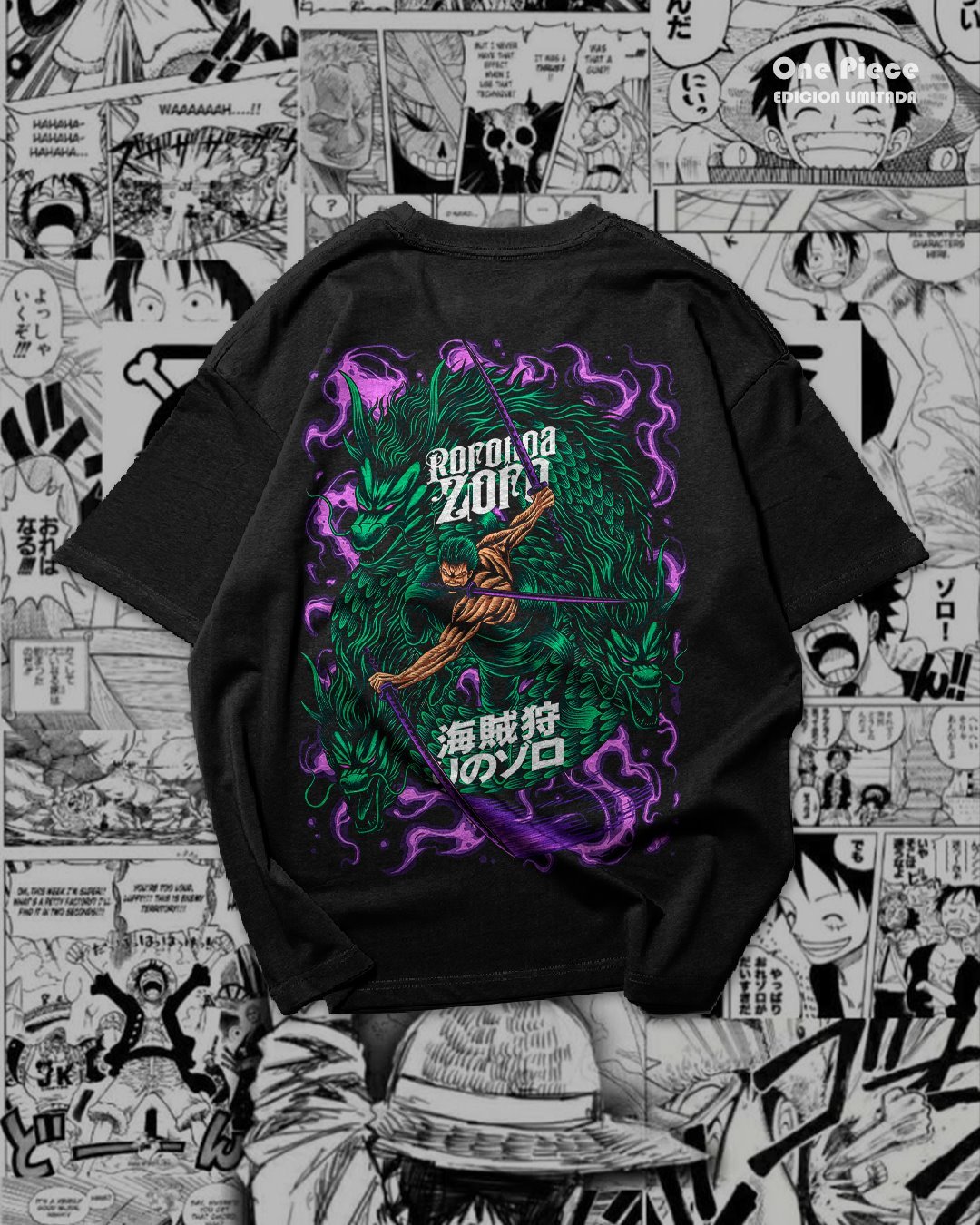
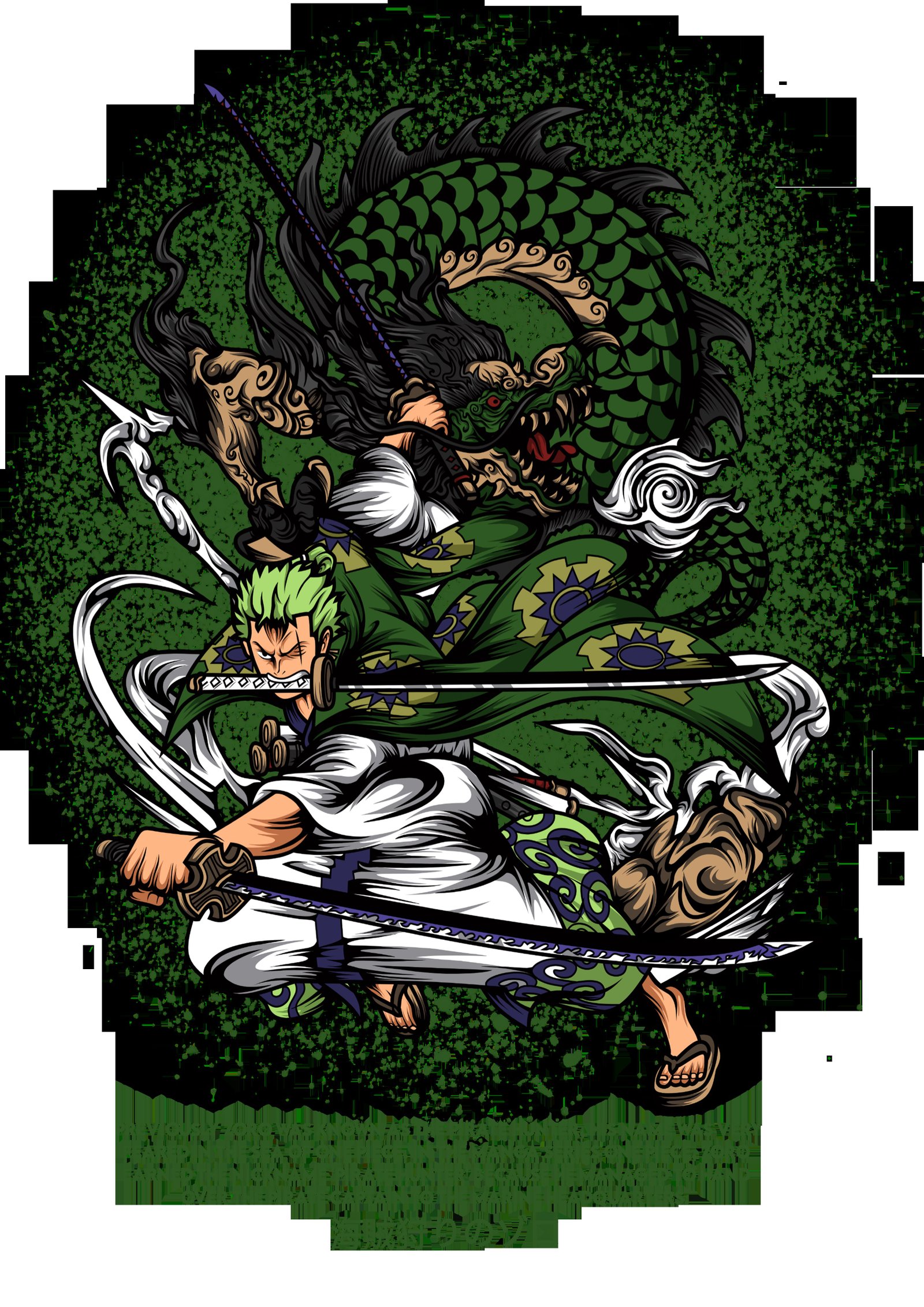
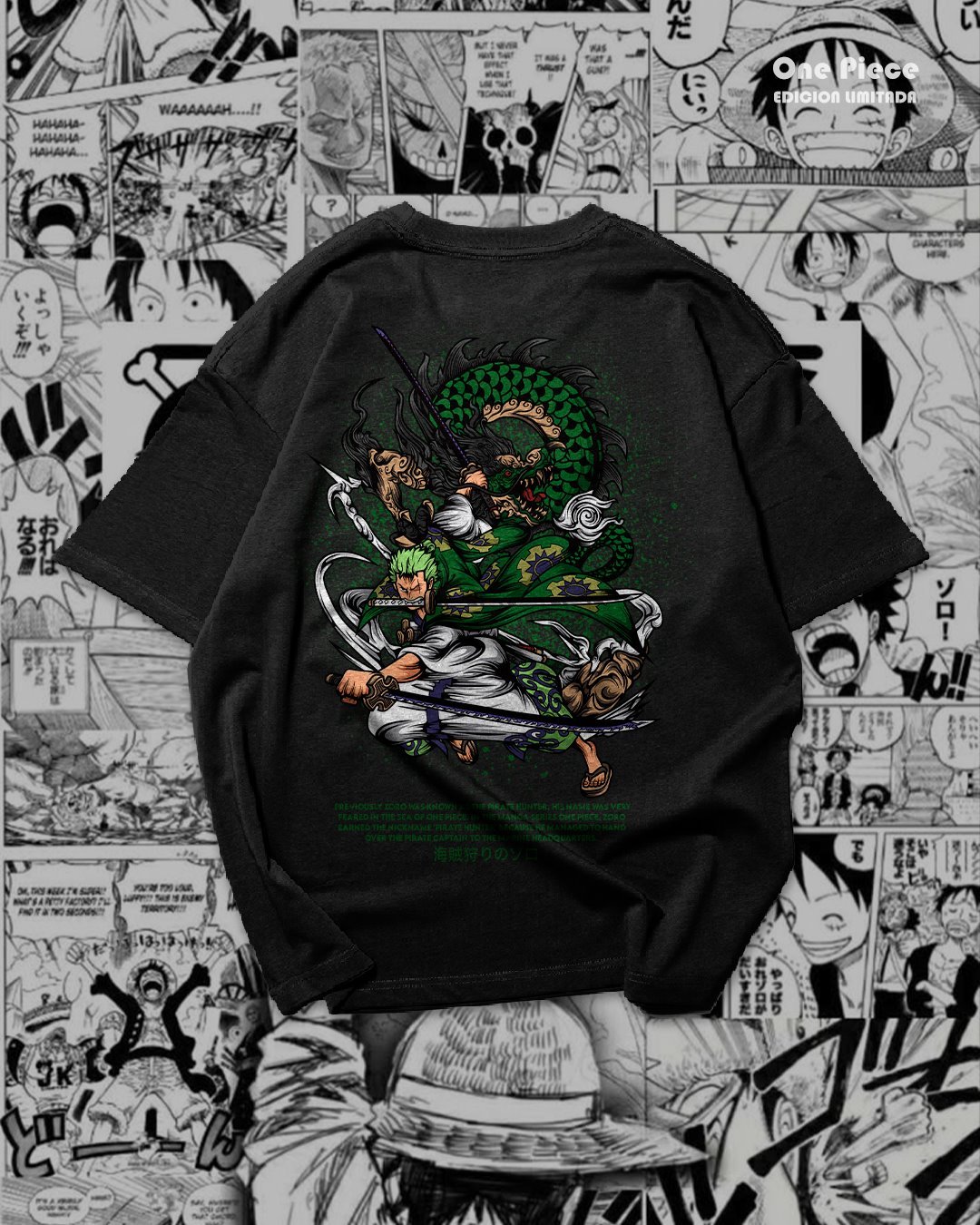
Zoro artwork: from illustration to shirt preview
The following images show the sword-and-dragon composition in two settings. The white-background presentation makes its outline easier to see; the shirt mockup helps you judge its apparent scale on a garment. A white preview background does not establish the background settings of the original PNG. Open the actual file and inspect its transparency before preparing a transfer.
How to prepare the PNG files for DTF printing
- Extract the RAR archive and open the PNG you want to use in your graphics software.
- Inspect the background and edges against a transparency grid. Pay attention to small lettering, fine lines and dark details.
- Choose a physical print size for your garment. A large graphic in a mockup is a styling reference rather than a required output size.
- Check the artwork at its final dimensions. Most inspected files measure 4680 × 6840 pixels; one measures 3508 × 4961 pixels. Pixel dimensions alone do not guarantee a particular print DPI or a clean result at every size.
- Prepare the transfer through your DTF workflow. Confirm white ink, orientation and transfer settings with your print provider or equipment instructions.
For example, if you are comparing a 10-inch and a 12-inch-wide chest print, preview both at their actual dimensions before ordering transfers. Keep the original proportions and leave enough room around the neckline and seams. Produce a test before committing to multiple shirts.
Screen colors, the white ink base and the fabric can all influence the finished appearance. The mockup is a presentation aid, so use a physical sample to judge your final result.
Can these designs be used for sublimation?
The download is organized as a PNG pack for DTF. If you want to adapt the artwork to another process, check the requirements of the substrate and your printing setup first. The black T-shirts in these previews do not establish compatibility with direct sublimation. Keep an untouched copy of each file and test any adaptation on the intended material.
Explore another anime style
For a different set of characters and compositions, browse our free Hunter x Hunter shirt designs. Compare the layout, available formats and artwork before selecting a file for your project.
Frequently asked questions
Does this pack include SVG, PSD or layered files?
The inspected archive contains 13 PNG files. This download does not offer SVG vectors or layered PSD documents. PNG is a raster format, and increasing its dimensions does not add new detail.
Are the shirt photographs the print files?
No. They demonstrate how artwork may look on a garment. Download and extract the archive to access the PNG artwork instead of printing the mockup photograph.
Does a free download include commercial rights?
A free download does not establish a commercial license or permission from the rights holders. Check the applicable permissions before using characters or brands on products intended for sale.
Download the 13 One Piece PNG files
Save the complete archive, extract the folder and choose your artwork. Check the background, print dimensions and file detail before sending it to your printing workflow.
13 PNG · RAR · 346.49 MB
Download One Piece PNG pack on MediaFire
External download: PNG para DTF.rar. Extract the archive to access the artwork.