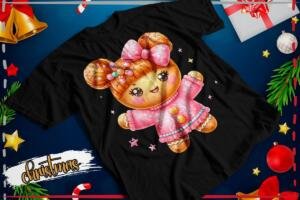
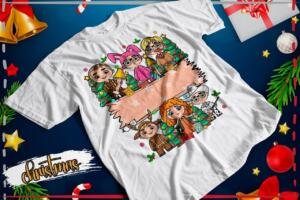
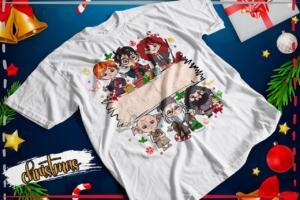
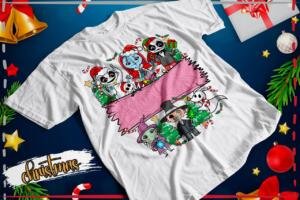
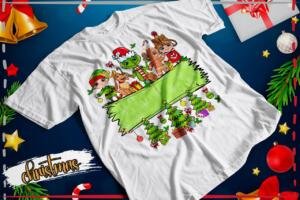
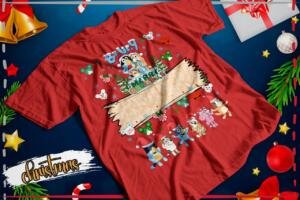
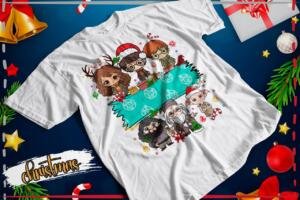
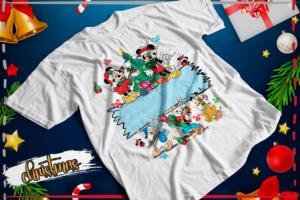
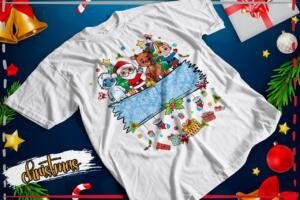
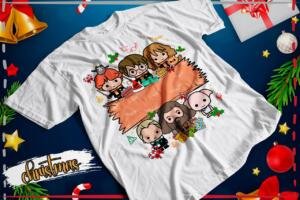
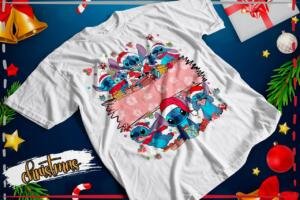
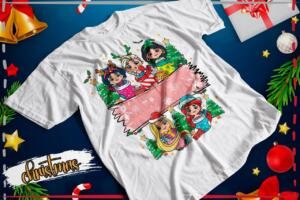
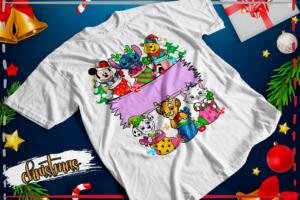
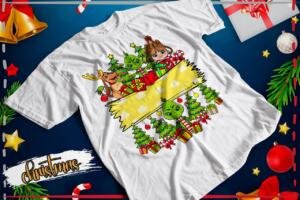
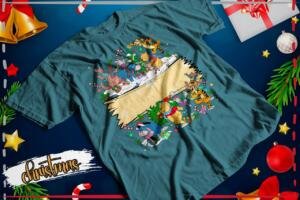
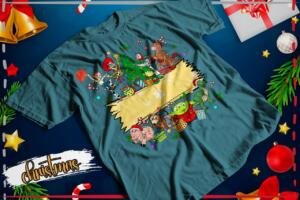
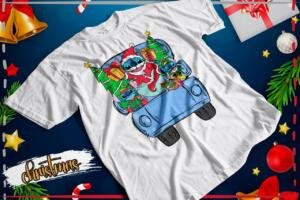
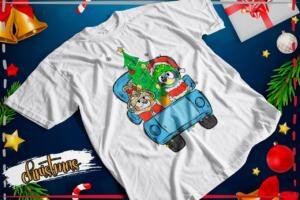
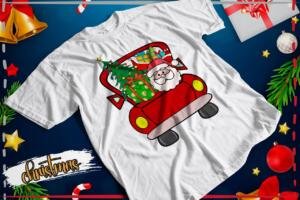
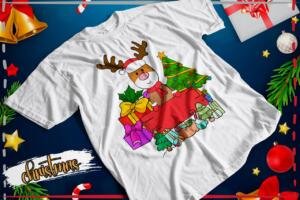
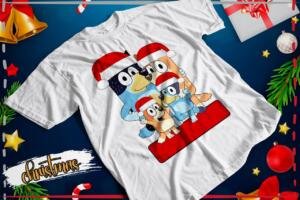
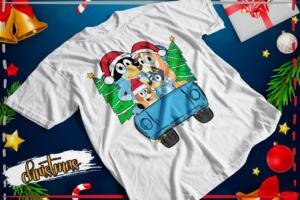
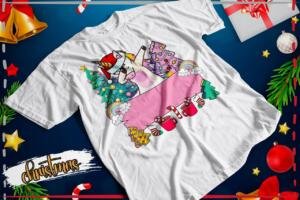
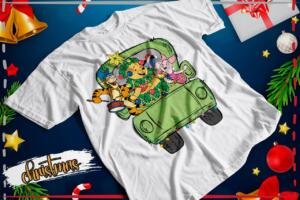
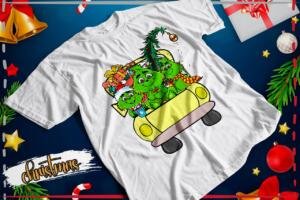
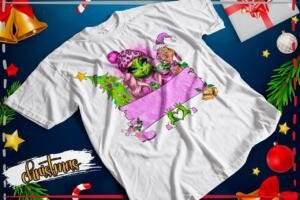
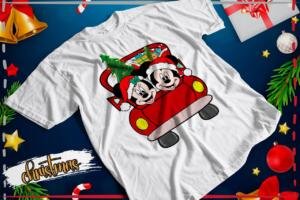
Christmas Names Pack 03 brings you shirt designs with a blank area for a name. The download contains 81 PNG images and a fonts folder. Reindeer, elves, trees, gifts and Christmas-dressed characters appear throughout the pack. Browse 79 previews before downloading.
Make a shirt with a name
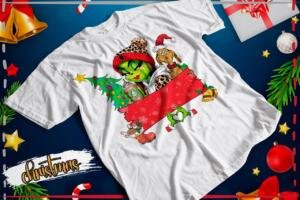
The samples have an empty banner across the design. Place a name on that banner with your design program. For example, choose a reindeer, type “Sofia” on the blank area and check that it is easy to read. Pick another name or picture for the next shirt.
A PNG is an image file. Open it in a compatible program, then add the name with the text tool. The image does not fill itself in, and its pieces are not separate editable layers.
Browse all 79 shirt previews
The pack includes several Christmas styles. Some pictures combine horror characters with gifts and Santa hats. Choose a sample that suits the person who will wear the shirt. These images suggest possible results; no physical garments are included.
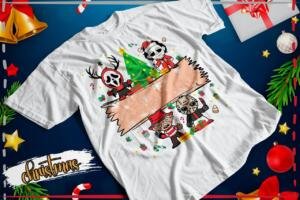
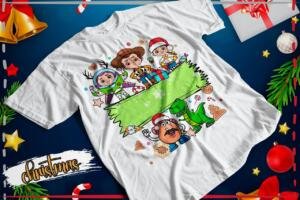
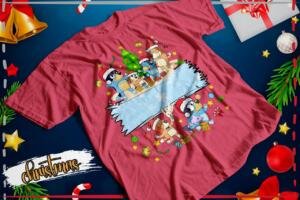
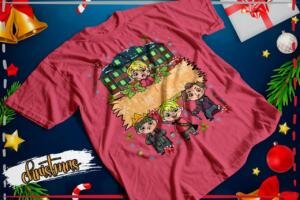
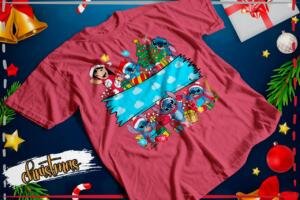
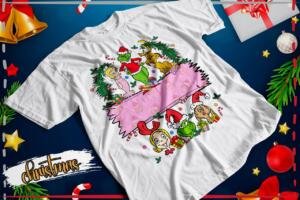
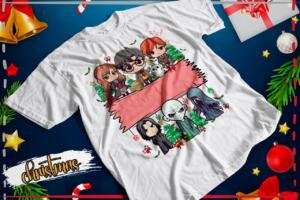



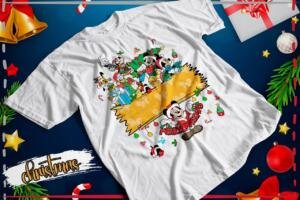

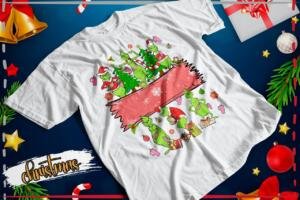
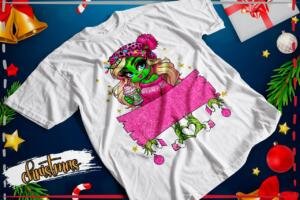
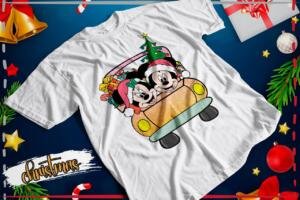
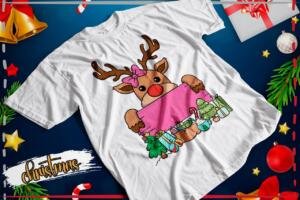
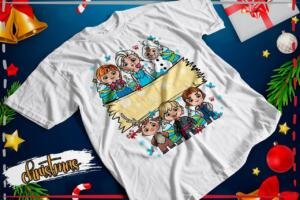



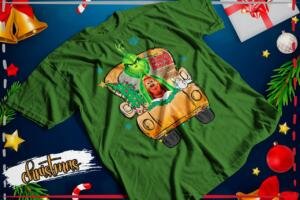


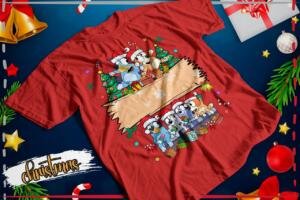



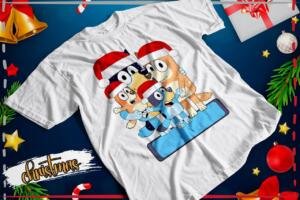



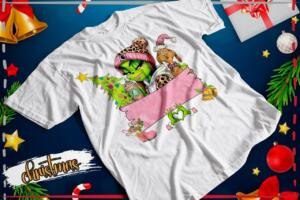
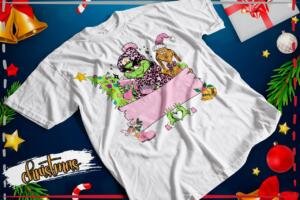


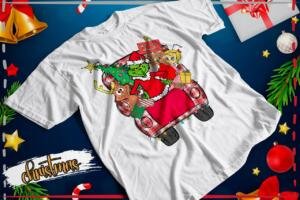
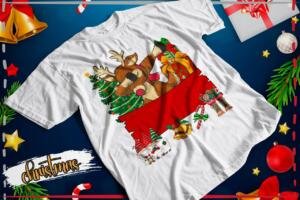
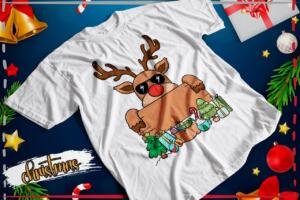


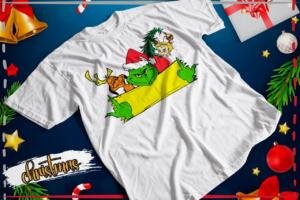




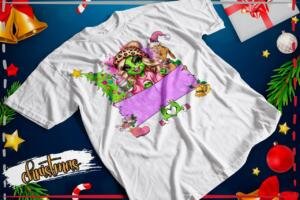





What comes in the download?
- 81 PNG design images.
- A folder named FUENTES containing font files and ZIP archives.
- A 570.55 MB RAR archive hosted on MediaFire.
The fonts folder includes OTF and TTF files, as well as fonts stored in ZIP archives. Each font may have its own usage terms. You do not have to install every font: you can use a suitable, easy-to-read font that you already have.
Add a name in six simple steps
- Download the RAR archive using a stable connection. It is a large file.
- Extract it and open the PNG you want to use.
- Use the text tool to type the name over the blank banner.
- Choose a color that stands out. On a red banner, try white or a light color first.
- Resize the name so it fits inside the edges.
- Check the spelling, measure the shirt’s print area and make a paper test before printing.
Three tips for a clear name
Leave room at the sides. Keep the first and last letters away from the banner’s edges. Choose simple letters. The name should be easy to read at a glance. Check longer names. Resize carefully and view a test at the actual print size.
Use the downloaded PNG designs for printing, rather than the shirt preview photos. Choose a printing method that suits the fabric and its color. Follow your supplier’s instructions for the actual garment and printing materials.
More personalized Christmas shirt ideas
Try the Grinch Christmas alphabet for large initial-and-name designs. For festive pictures with phrases, browse the 18 Jack Skellington Christmas shirt designs.
Download Christmas Names Pack 03
The button opens the pack on MediaFire. Download the RAR archive and extract it to access the files. A free download does not establish a commercial license. Check the terms for the fonts, designs and characters before selling products.
Keep exploring

Free Jack Skellington Christmas Shirt PNG: 18 Designs

Free Grinch Christmas Alphabet PNG for Personalized Shirts
7 Christmas T-Shirt Printing Mistakes and How to Avoid Them
Matching Christmas Shirts for Couples and Families: Ideas

Christmas Glitter Effect T-Shirt PNG Designs: Free Pack