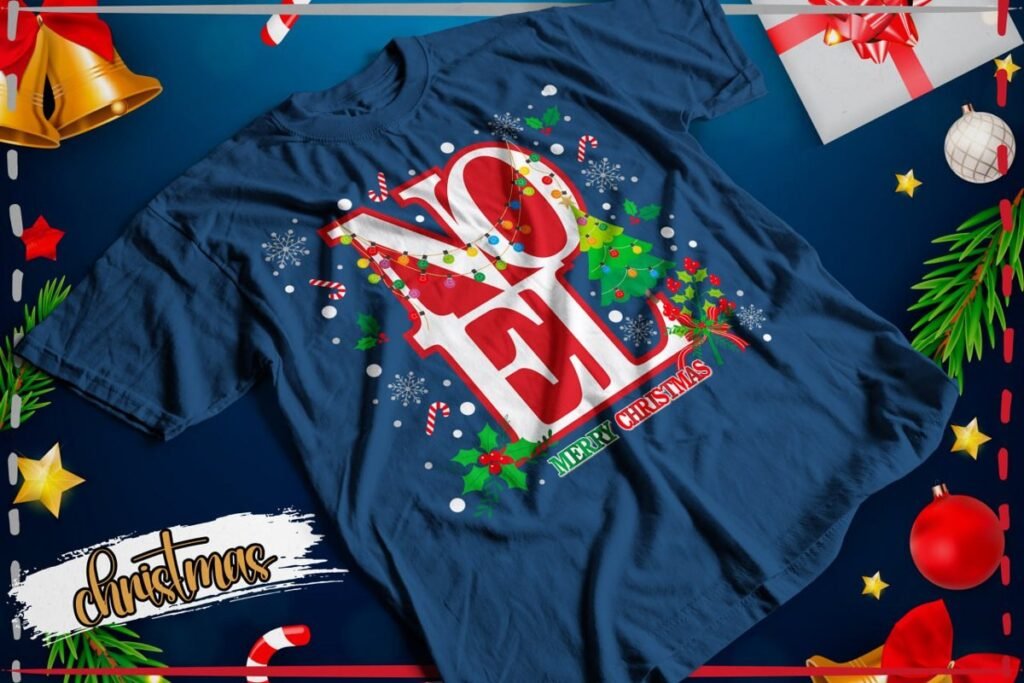
To plan matching Christmas shirts for couples and families, everyone does not need the exact same picture. Pick one thing that connects the shirts: a word, a character style or two colors. This guide shares four ideas using pictures from our existing packs, simple ways to combine them and links to the downloads.
The images show individual shirt designs. The couple and family combinations are suggestions for this guide. This is not a new design bundle, and no physical shirts are included.
Choose how you want the shirts to match
- The simplest option: use the same picture on every shirt, resized to fit each garment.
- For a couple: choose two designs in the same style, such as two versions of Noel lettering.
- For a family: keep a shared theme but let each person choose a different character, such as a gingerbread cookie with different accessories.
Agree on the shirt color before downloading. Choosing the pictures first and the fabric later can make printing more complicated.
1. Noel lettering: an easy idea for a couple
The Noel pack contains twelve versions of the same holiday word. You could choose one with lights and another with a bow. The shirts share a message while keeping different details. For a family, everyone can choose their favorite lettering.
What connects the shirts: the word Noel and the red and green details. Compare each design’s contrast before choosing the garment color.
See every preview and the pack details
Download this pack from MediaFire
2. Gingerbread characters: one cookie for each person
One cookie in these previews wears a pink bow; another holds a Christmas tree. Choose different characters and keep the shirt color the same to make the group feel connected.
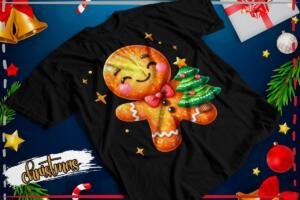
One possible combination: each person chooses a character, and everyone keeps a similar print position. You do not need to add names if you do not want to edit the files.
See every preview and the pack details
Download this pack from MediaFire
3. Glitter effect lettering: different colors, one holiday theme
Big festive letters work well if you prefer a phrase instead of a character. Pair “Merry and Bright” with “Merry Christmas” on shirts of the same color. These phrases are already in English inside the artwork.
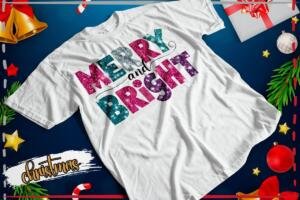

Remember: the glitter effect is drawn into the picture. Printing the PNG does not add real glitter or a reflective surface that shines when the shirt moves.
See every preview and the pack details
Download this pack from MediaFire
4. Classic holiday characters: a snowman and Santa
If each person prefers a different character, connect the shirts with red and white details. The snowman and Santa in these previews show one way to do that.
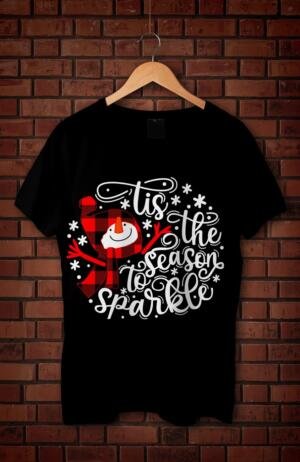
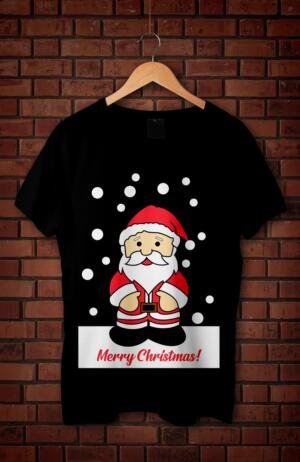
The pack contains more options. Browse all its previews and read each phrase before choosing. Some designs include other characters or brand references.
See every preview and the pack details
Download this pack from MediaFire
Choose the print size without guessing
- Lay each shirt flat on a table.
- Measure the space where the picture will go. Check each shirt size: a small shirt does not have the same chest space as a large one.
- Resize the width and height together so the character does not look squashed.
- Print a paper test and place it on the shirt.
- Look at the garments together. Check that the print position feels similar, even if the artwork sizes differ.
There is no one measurement that fits every shirt size. A paper test helps you decide before using your printing materials. If you add names, check the spelling with the person who will wear the shirt.
Check the fabric and color before printing
A mockup on a black shirt does not mean any printer can produce that result. Standard dye sublimation does not print white ink and is normally used with light-colored polyester garments. Epson explains this in its sublimation guide.
For white details on a dark garment, ask your printer which method suits that fabric. Follow the time and temperature instructions for your materials. This guide does not replace those settings.
Downloads and a final check
The buttons in each section open four separate RAR files on MediaFire. A RAR is a compressed archive: download it and extract the files before working. There is no combined download for this guide.
- Use the design files from the pack, not the preview photos in this article.
- Check that lettering and details are clear at the final print size.
- Test one garment before preparing several.
- Check the creator’s terms and any character or brand rights before selling products. A free download does not grant a commercial license.
For a simple starting point, try Noel for a couple or Gingerbread for a family. These are pairing suggestions; the best choice is the one the people wearing the shirts enjoy.
Keep exploring
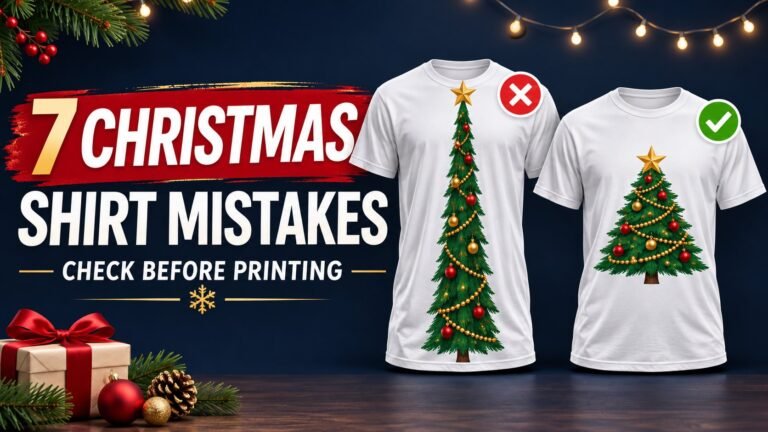
7 Christmas T-Shirt Printing Mistakes and How to Avoid Them
Christmas Glitter Effect T-Shirt PNG Designs: Free Pack
Christmas Gingerbread T-Shirt PNG Designs: Free Pack
Christmas Disney 3: 18 Free T-Shirt PNG Designs
43 Creepmas T-Shirt PNG Designs: Free Christmas Pack