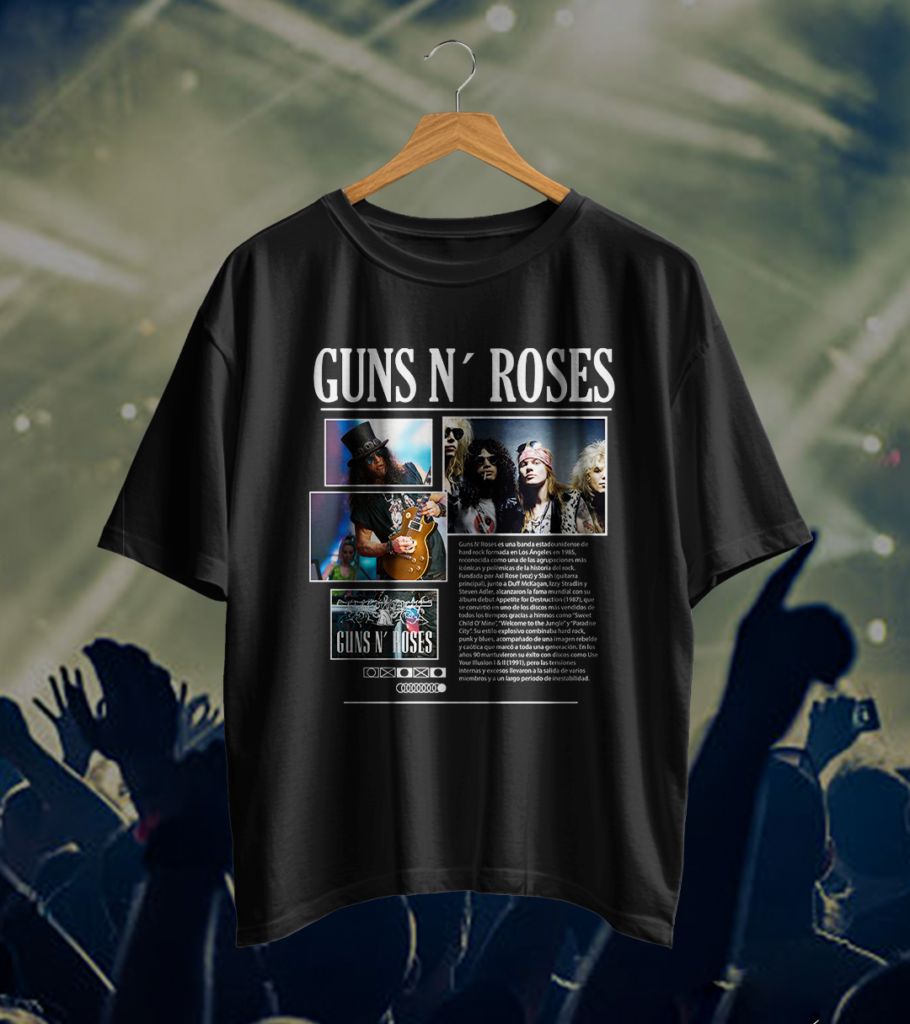
Looking for Guns N’ Roses T-shirt designs? This free pack brings together five ideas with photos, lettering and artwork. See each preview on a black shirt before downloading the files.
The designs use a cut-and-paste style. Large pictures sit beside names and text blocks. Choose your print size carefully: something that looks clear on a screen can become too small on a shirt.
What is in the download?
- 5 SVG files. Open them in a compatible design program.
- 1 AI file. This is a file for Adobe Illustrator. Check how it is arranged before changing it.
Everything is inside GUNS N ROSES.rar. MediaFire lists its size as 96.65 MB. The archive checked does not include PNG files. The pictures on this page show how the designs could look. They do not replace the artwork files in the pack.
See the five shirt previews
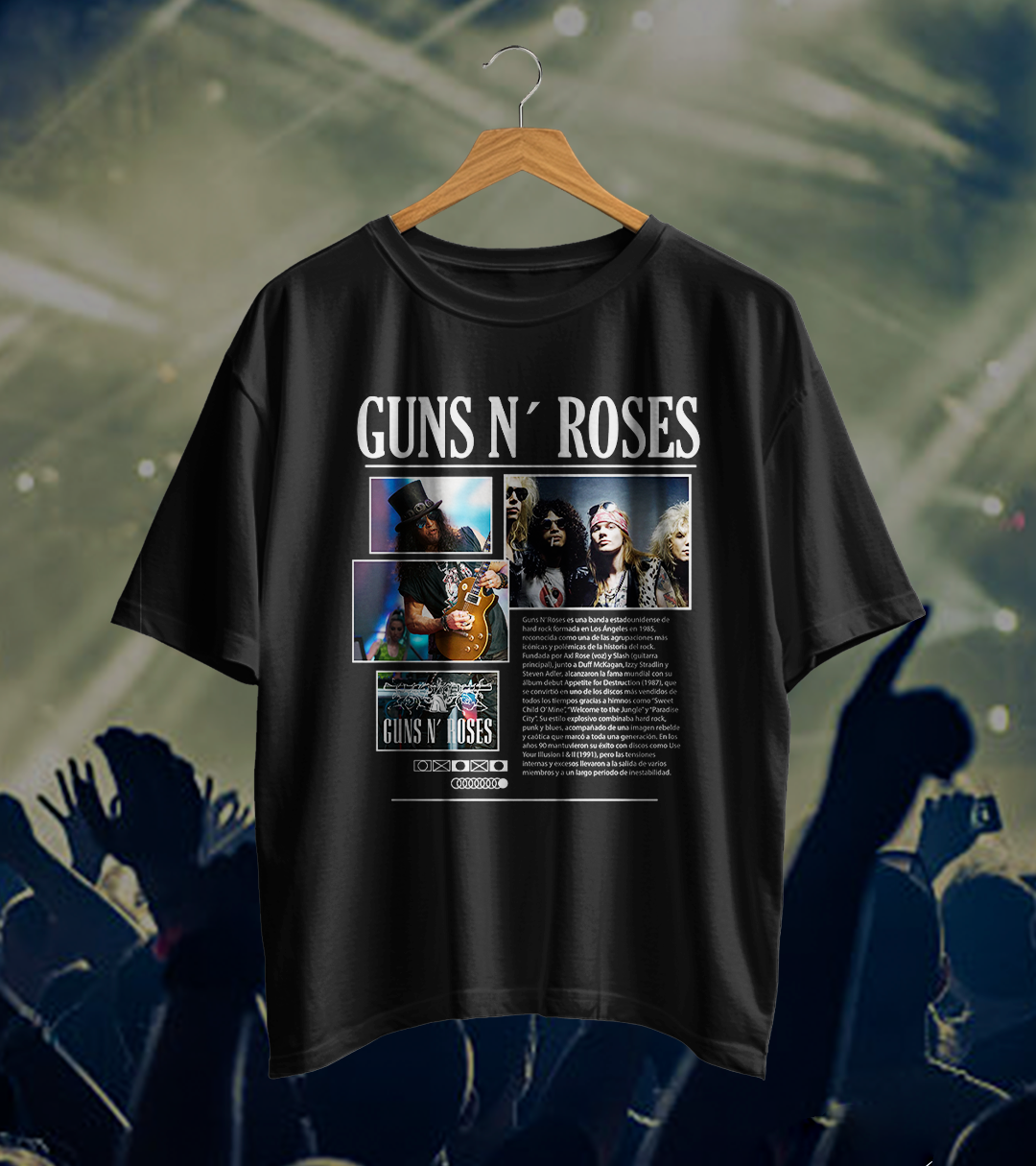
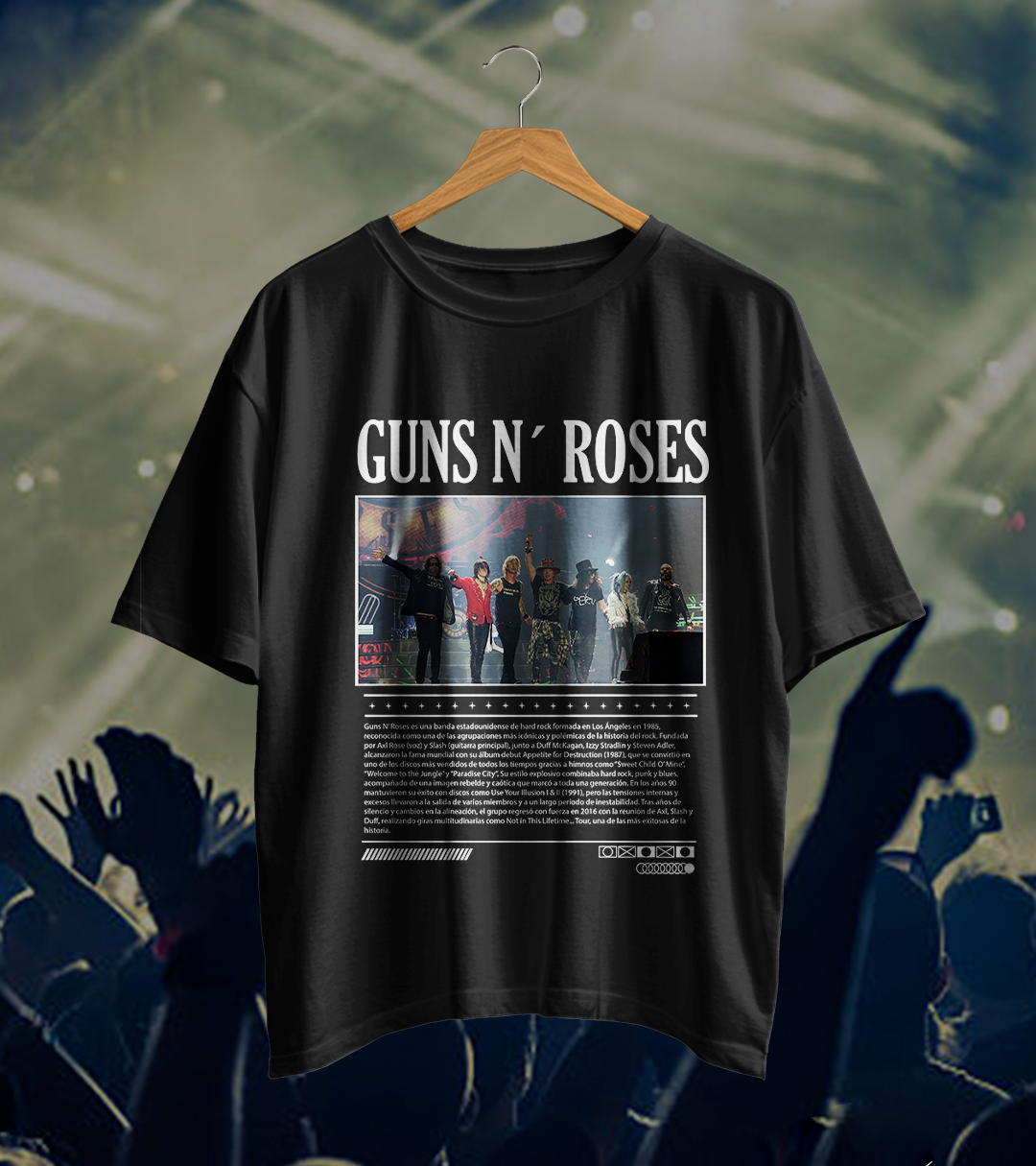
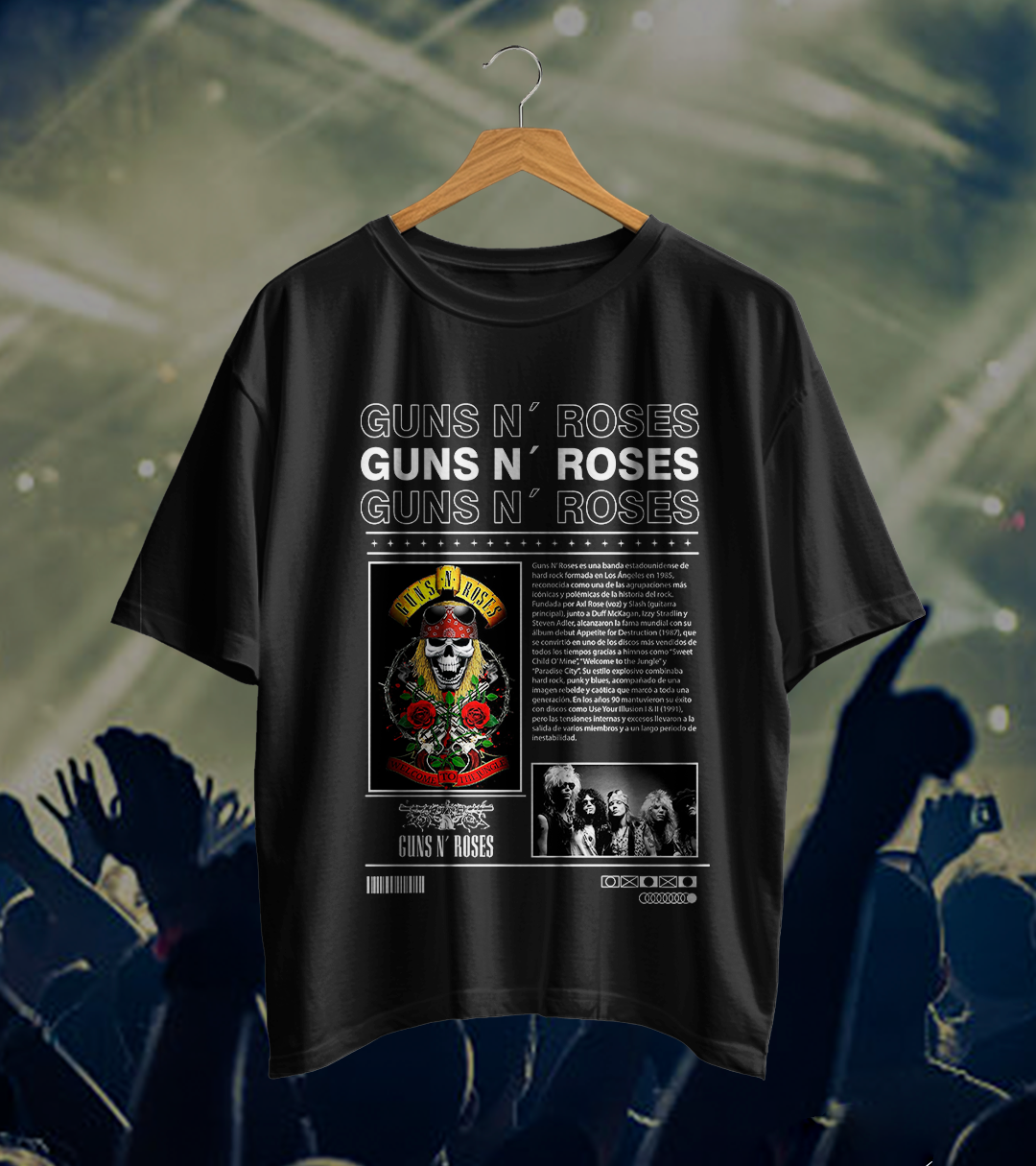
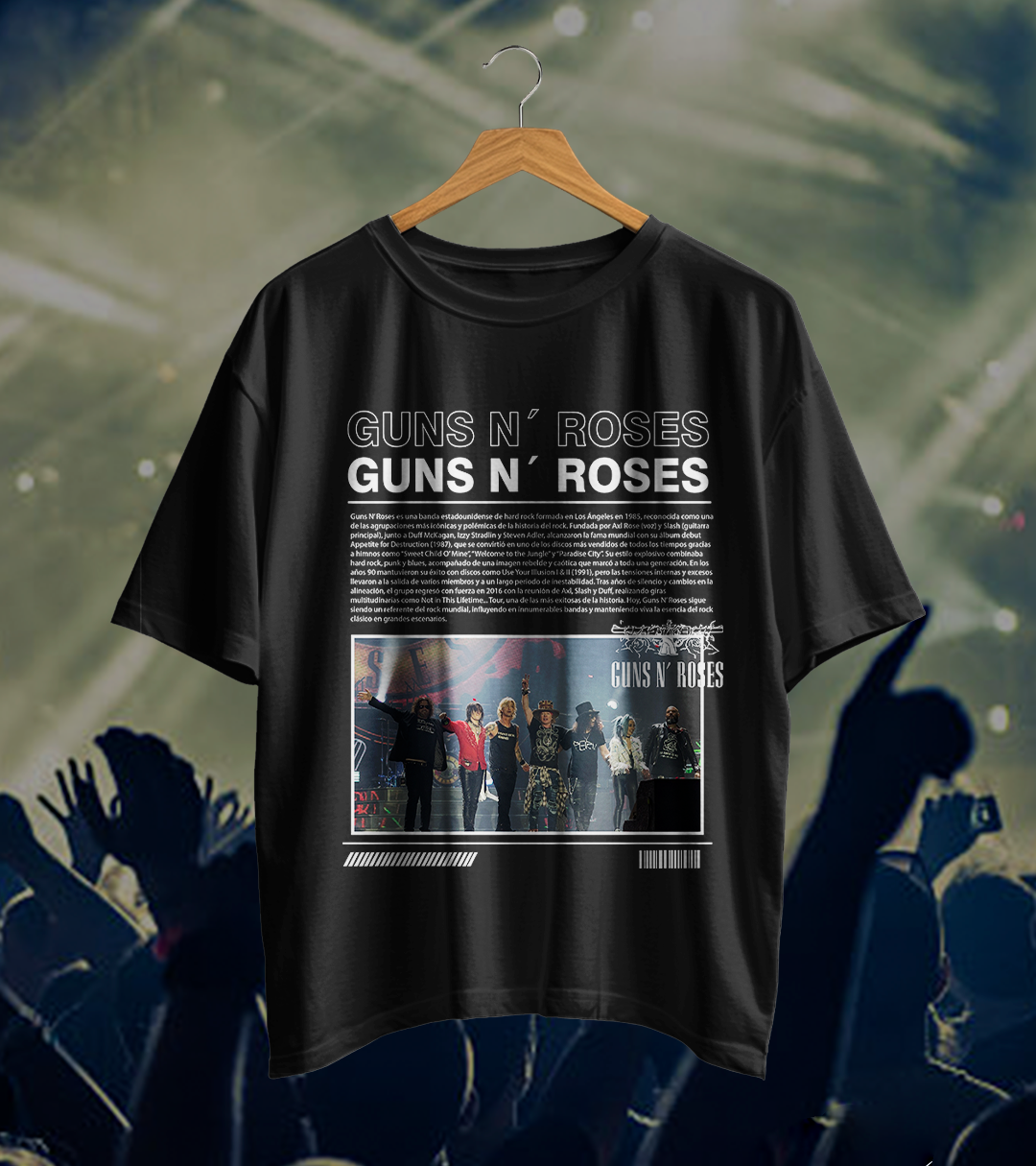
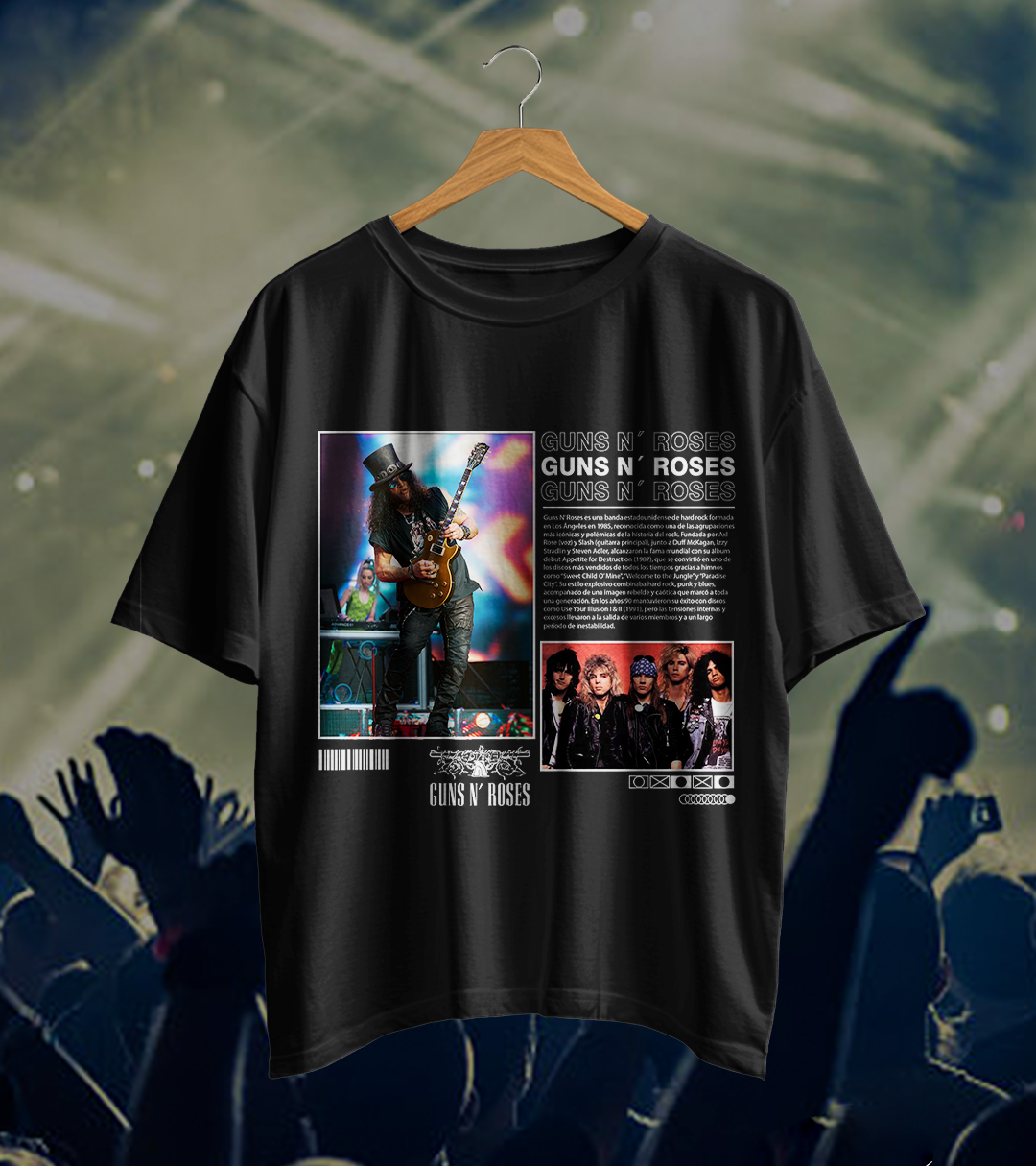
The first idea combines several photos and a guitar. The second places a stage photo below the band name. The third adds skull and roses artwork. The fourth changes the order of the name, text and photo. The fifth highlights a guitarist wearing a top hat alongside a group photo.
All five previews use black shirts. The crowd and lights behind the shirts are part of the presentation, not the artwork to print on the fabric.
Get your file ready
- Download the RAR file and unpack it with an app that can open RAR files.
- Open an SVG or the AI file. Save a copy so the original stays unchanged.
- Measure the space where the design will go. Match the design size to the shirt size.
- Check the photos and small text at your chosen size. Clear large lettering does not mean every small detail is clear.
- Make a paper print first. Place it on the shirt to check the size, height and position.
- Make one test shirt before printing a batch.
Check photos before making them larger
An SVG file can hold drawings and photos. The SVG name does not guarantee that every part can become larger without losing detail. If a photo looks blurry, reduce the size or check the file before printing.
If your print supplier asks for a PNG, ask which size they need. You can then save a copy in that format using compatible software. That would be a copy you make yourself. PNG files are not included in this pack.
Ask before printing on black fabric
A DTF transfer is a design prepared on a sheet, then moved onto a shirt with heat. Show your supplier the file and ask whether the thin letters and dark areas will print clearly.
Do not choose a printing method just because of a preview. Check that your fabric, shirt color and materials work together. Follow your equipment’s instructions and make a test.
Quick questions
Will I receive five shirts? No. This is a digital file download.
Can I open the AI file without Illustrator? That depends on your software and the file version. Check whether your program supports it. You can also try the SVG files.
Is it official merchandise or licensed for selling? This pack is not presented as official merchandise. A free download does not grant commercial permission. We have not verified a license to sell products using the included photos, brand or other elements.
Download the free Guns N’ Roses pack
The button opens MediaFire. Look for GUNS N ROSES.rar and check the name before downloading. Ads on that page are separate from the file. You do not need to install advertised software to get it.