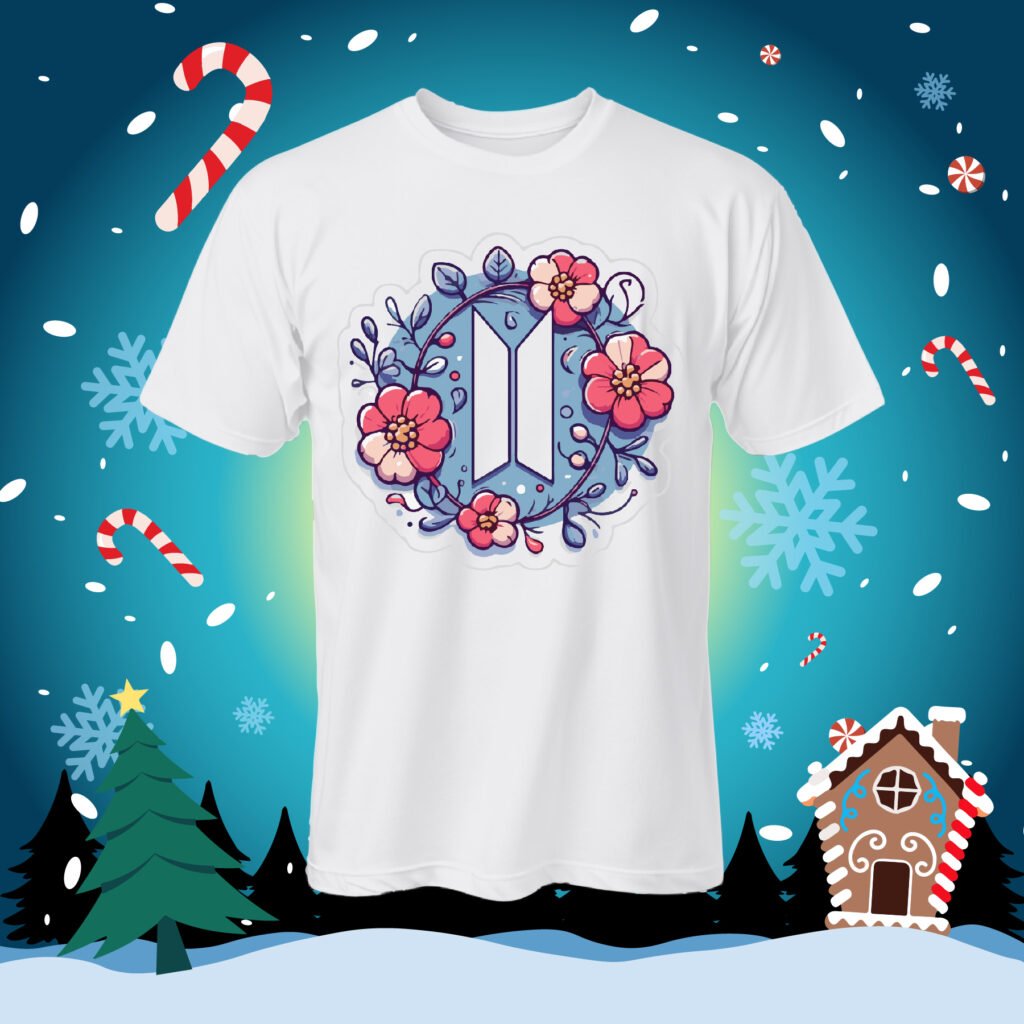
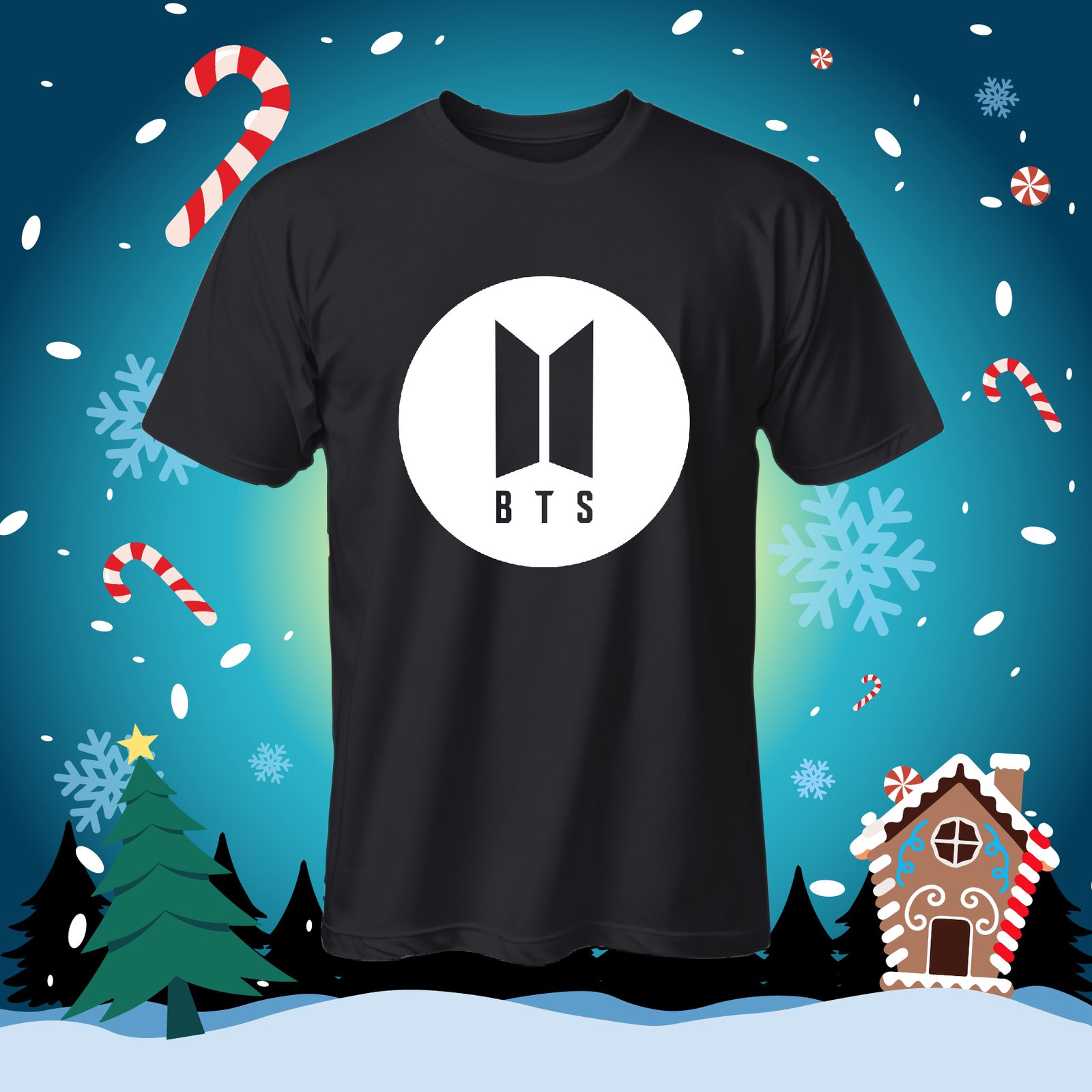
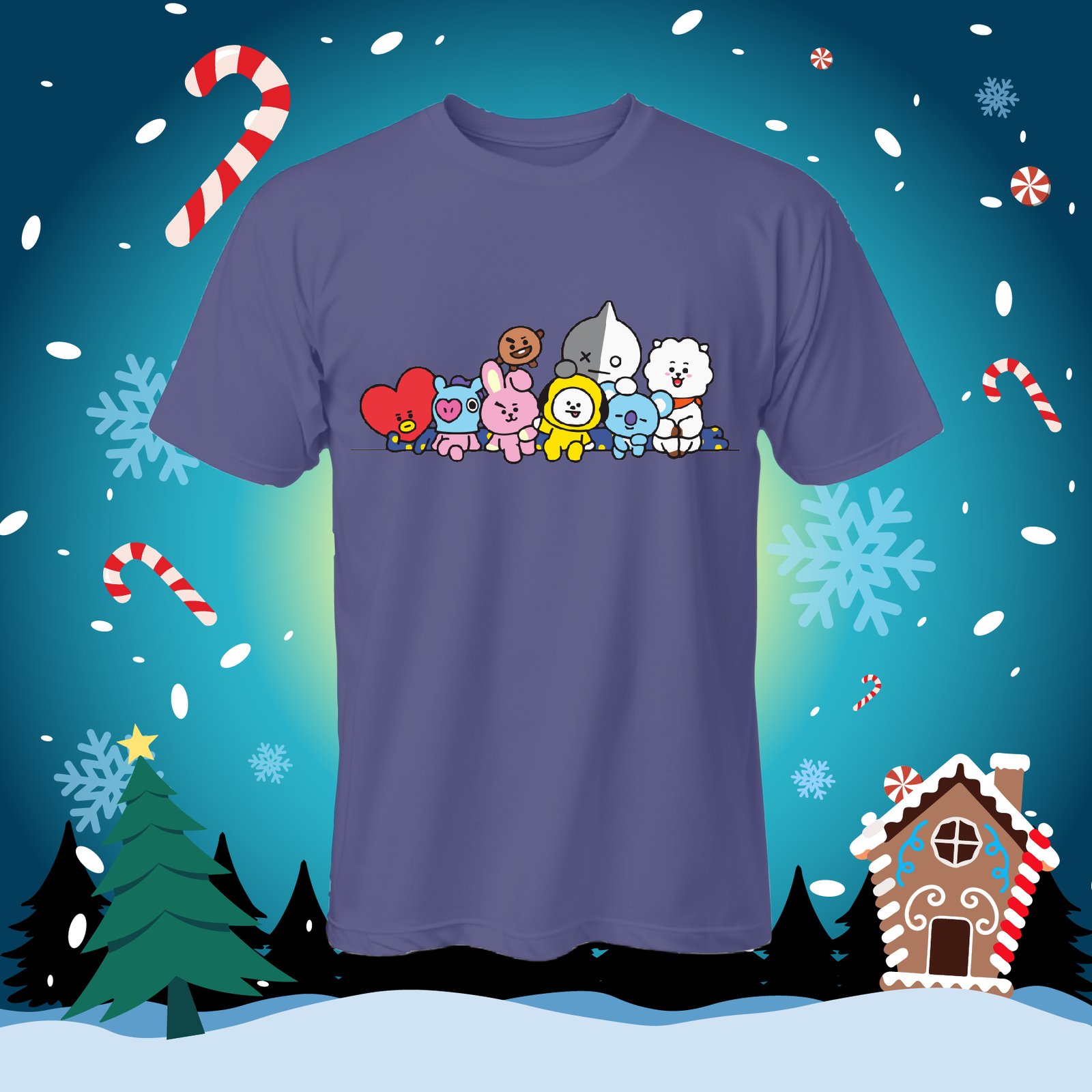
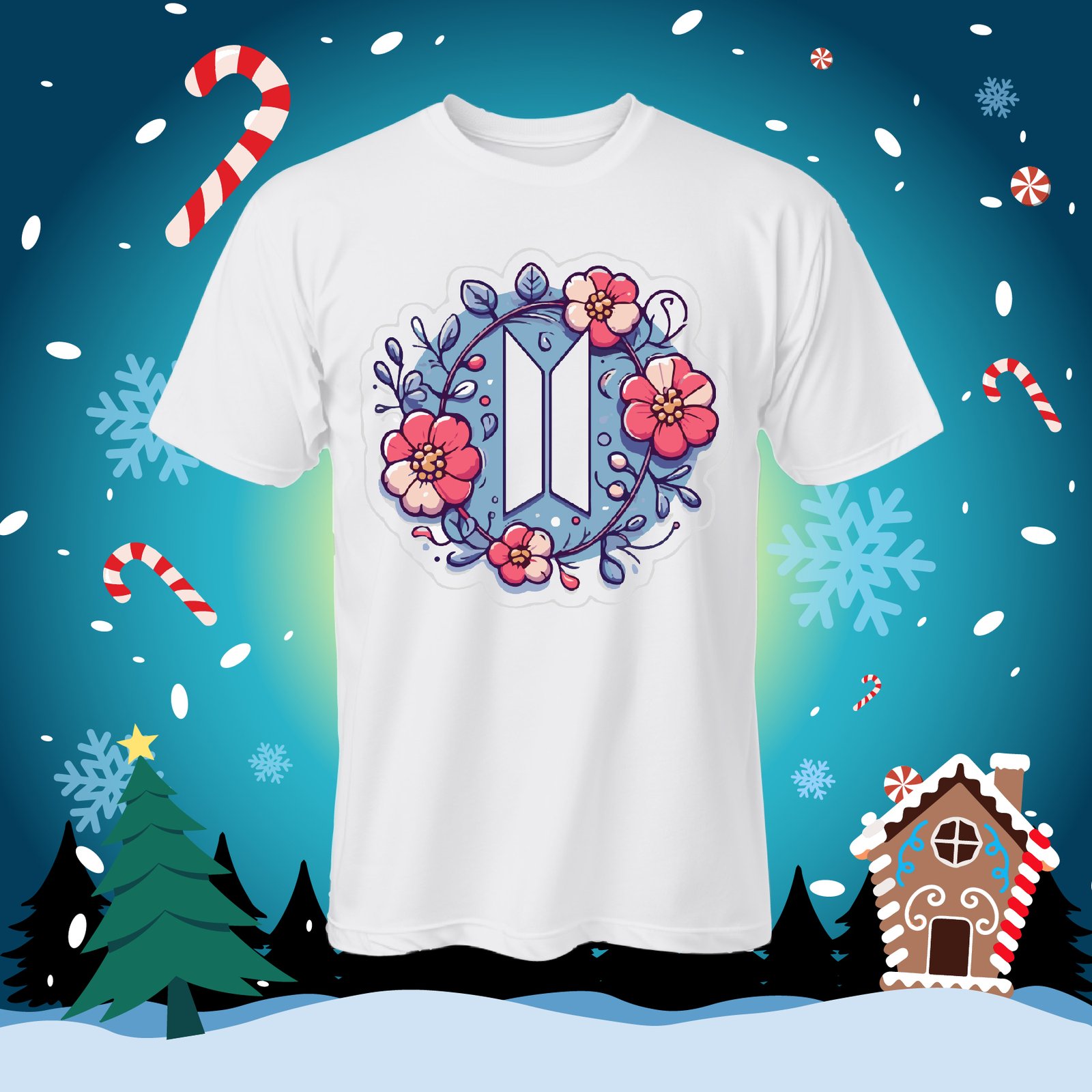
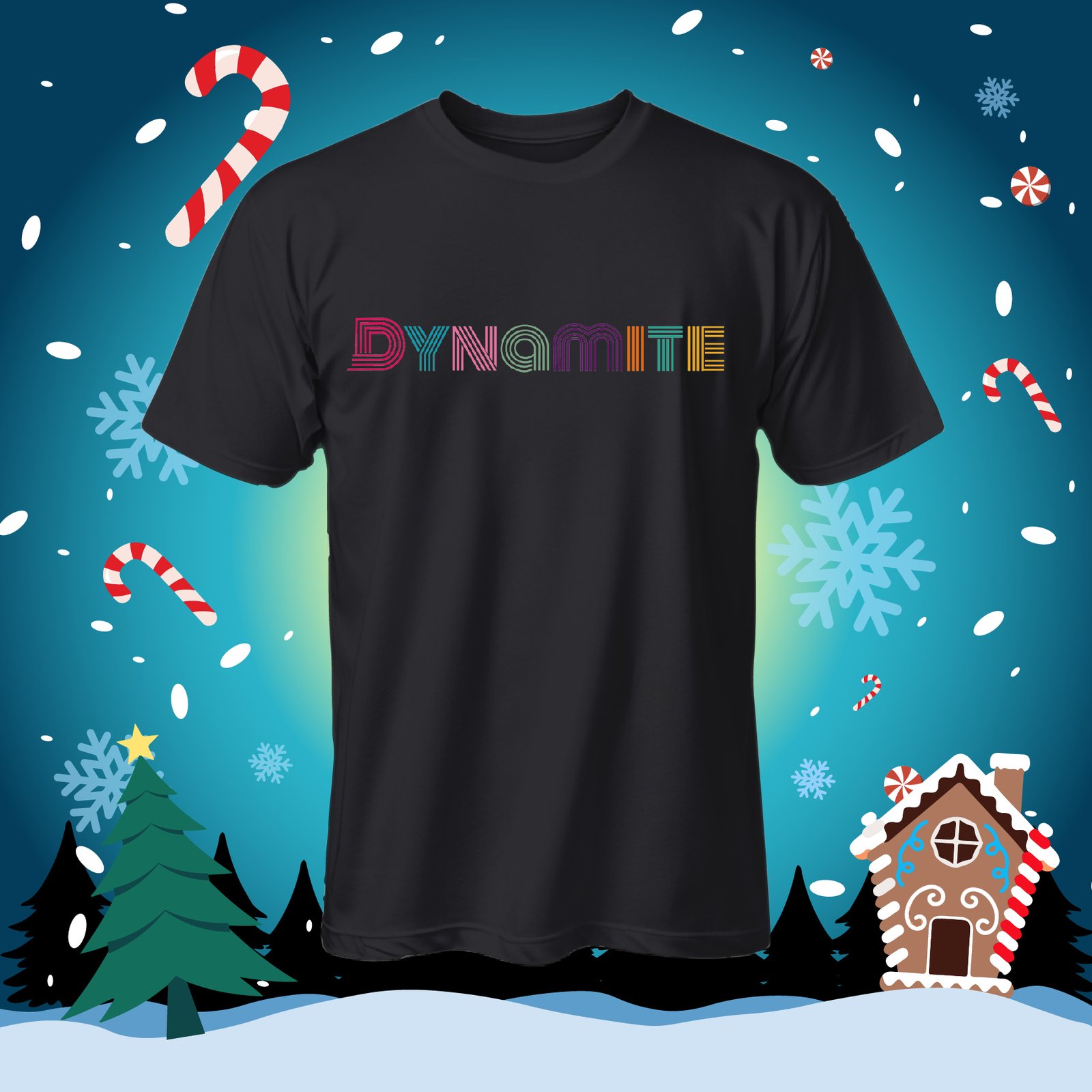
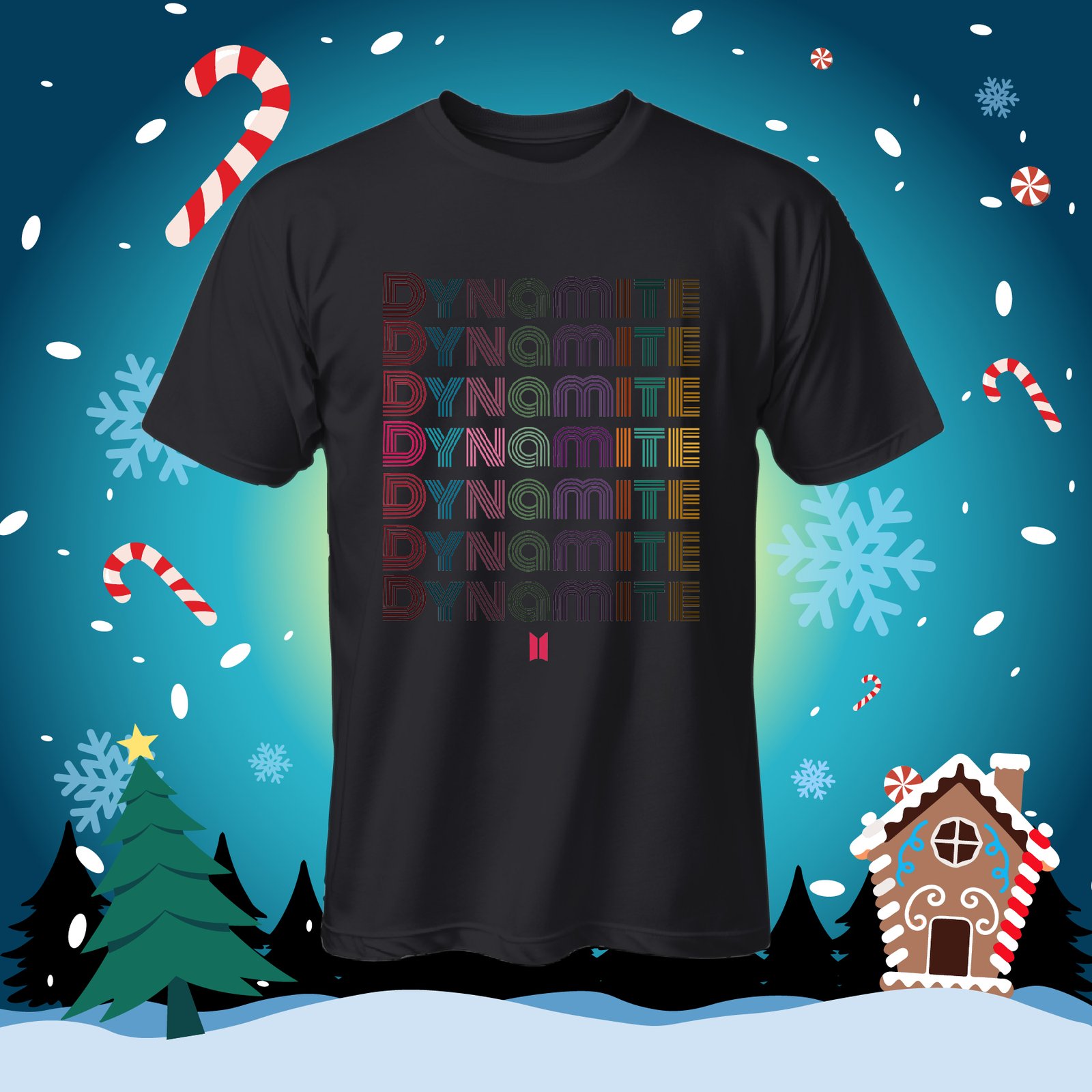
Looking for BTS T-shirt designs? See five ideas before you download this free pack. The previews include a simple BTS symbol, colorful characters, a flower design and two Dynamite lettering designs.
These pictures show how the designs could look on shirts. The Christmas background is part of the preview scene. You do not need to print that background on your shirt.
What is inside the download?
- 5 PNG files: images you can open to check each design.
- 5 SVG files: drawings that compatible software can resize while keeping their lines sharp.
- 1 AI file: a file for Adobe Illustrator. Check how it is arranged before making changes.
The files are packed inside BTS PLAYERAS.rar. MediaFire lists its size as 3.08 MB. The download button is at the end of this page.
See the five shirt ideas
The white shirt makes the pink flowers and blue leaves easy to see. On the black shirts, check the darker letters carefully before making a real print. The purple shirt shows several colorful characters together.
Get your design ready in six simple steps
- Download the RAR file and unpack it with an app that can open RAR files.
- Open the PNG or SVG folder and choose your design.
- Measure the space where you want the print. A small shirt needs a smaller design.
- Look at the file on both a light and a dark background. Check for any border or background you do not want.
- Print a paper copy at your chosen size. Place it on the shirt to see whether it fits and sits in the right place.
- Make one test shirt before making a whole batch.
A preview does not tell you how to print
A black shirt in a picture does not mean every printing method will work. Your fabric, design and printing materials need to work together. If you are ordering a DTF transfer, that means a design prepared on a sheet and moved onto a shirt using heat. Ask the supplier which file to send.
If you use sublimation, ask whether the fabric and shirt color are suitable first. Follow the instructions for your own materials and equipment. Do not copy a heat or time setting from an unrelated shirt.
Quick questions
Will I receive a shirt? No. This download contains digital files. The shirts in the previews are examples.
Does it include PNG and SVG? The archive checked contains five PNG files, five SVG files and one AI file.
Can I sell shirts because the download is free? A free download does not grant commercial permission. We have not verified a commercial license for the included brands or characters. Check the permissions before selling products. This pack is not presented as official merchandise.
Download the free BTS pack
The button opens MediaFire. Look for BTS PLAYERAS.rar. You do not need to install software promoted in ads to download this pack.